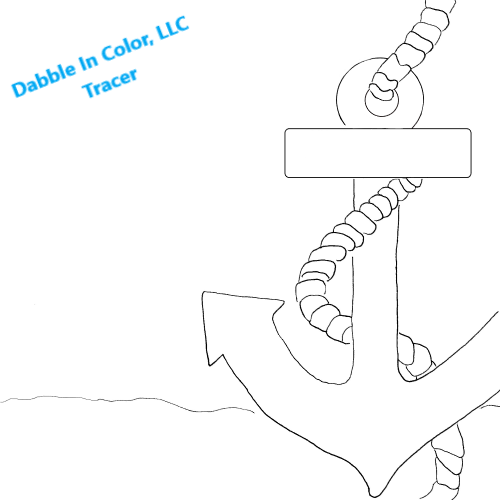
“White Anchor”
How to Use Your Tracer
Your tracer is a PNG image file. Here’s how to use it:
1. Place cursor over image and click the RIGHT button on your mouse. Scroll down and click “Save as” menu selection. This will save the image to your computer where you can print at the size you want to use.
2. Print it out at your desired size (8x10 or 11x14 work great)
3. Transfer the design to your canvas using graphite paper, transfer paper, or by tracing on a sunny window